How to display your NFTs
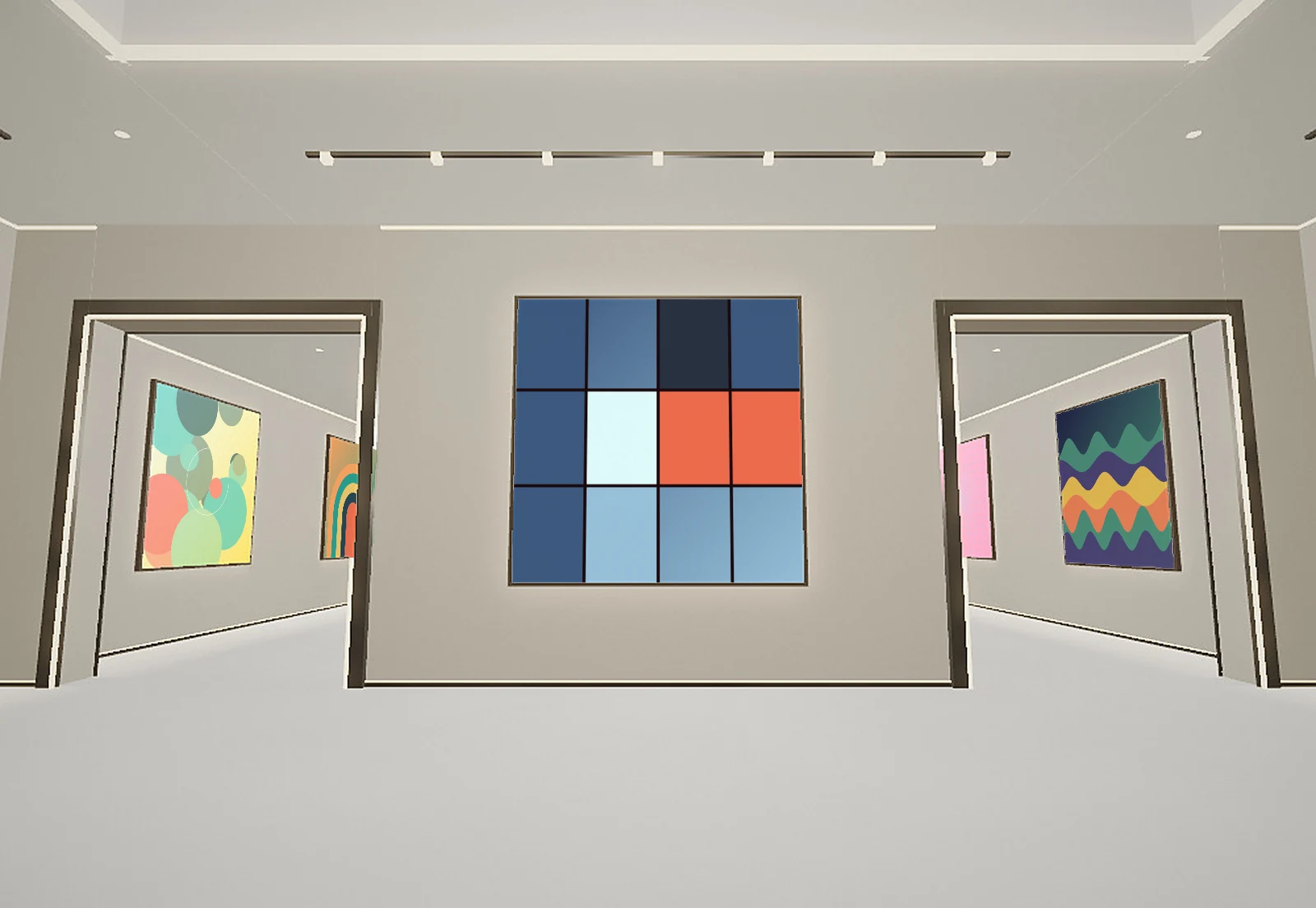
A wallet is a poor place to show NFTs. Nobody can see it unless you screenshot it, and a screenshot loses the point of owning the piece.
The simplest fix is a gallery page with its own link. You put the link in your X bio or send it to a friend, and they see your pieces on the walls without needing a wallet or an account.
With Unlisted: sign in by signing a message (no transaction, no gas), let us hang your best pieces, swap any you want to change, choose a room and share your link. It takes under two minutes.
Build your own gallery. Free to start, no wallet needed to look around.
Make your ownQuestions
Do I need to connect my wallet to a lot of apps?
No. You only sign a message to prove the wallet is yours. We never ask for approvals and never move your assets.
Can I show only some of my NFTs?
Yes. You pick which pieces go on the walls and which frame holds each one.
Keep reading
- 3D NFT gallery: walk through your collectionUnlisted turns your NFTs into a 3D gallery anyone can walk through on a phone or computer. Free to start, one link to share.
- A gallery for your OpenSea NFTsCollect on OpenSea? Sign in with your wallet or an OpenSea bio code and hang your NFTs in a 3D gallery with one shareable link.